Taxonomy
Taxonomy will help you to classify and manage all of the tags of your project. This is the interface of the taxonomy list :
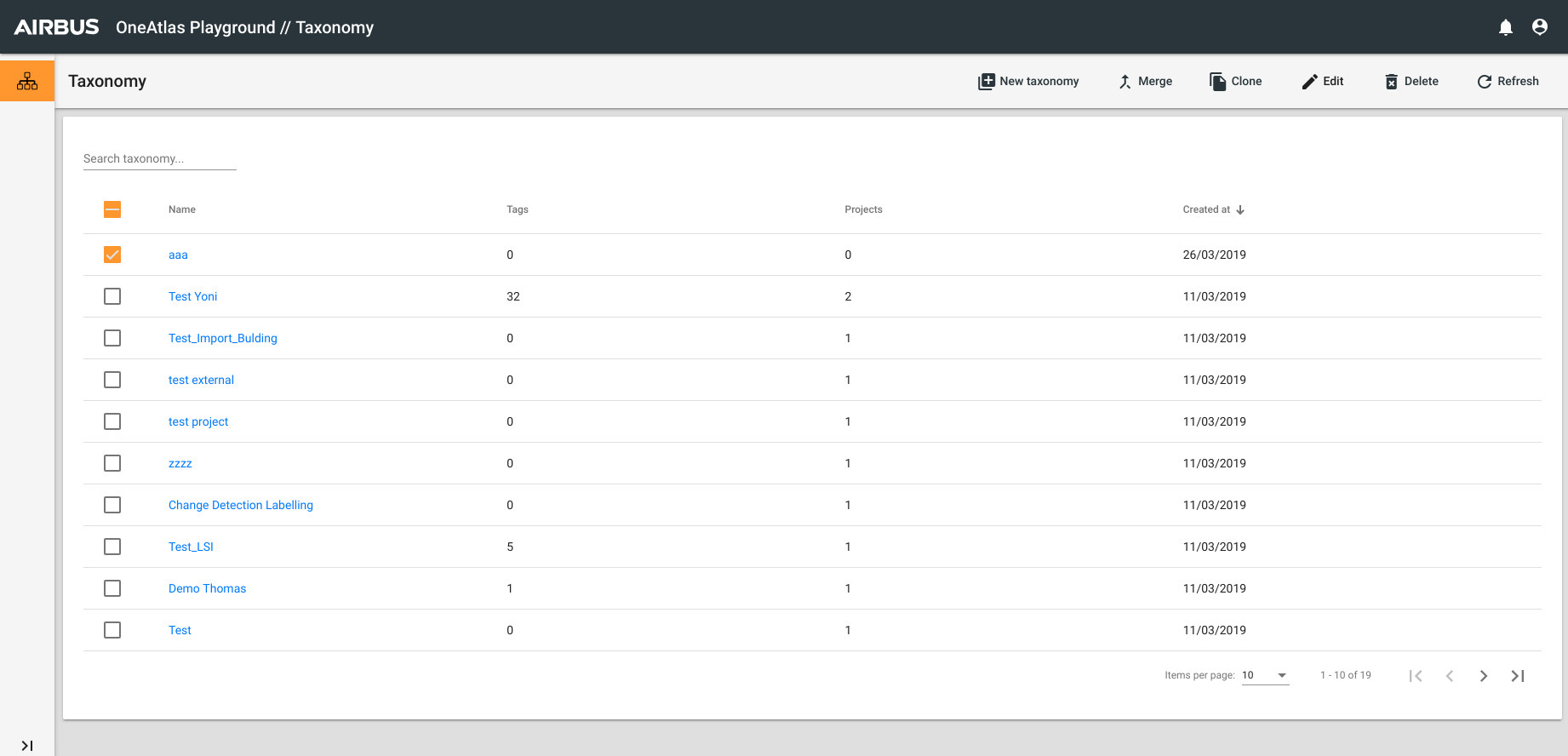
Actions :
- Add a new taxonomy
- Merge two Taxonomy : this action will create a new taxonomy with all tags of the two origin taxonomies
- Clone a taxonomy
- Delete one (or more) taxonomy
- Edit a taxonomy
Edit a taxonomy
To edit the tags of a Taxonomy you have two possibilities : the first option is with the button Edit -> Tags, the second is to click on your taxonomy -> Tags -> Edit Tags.
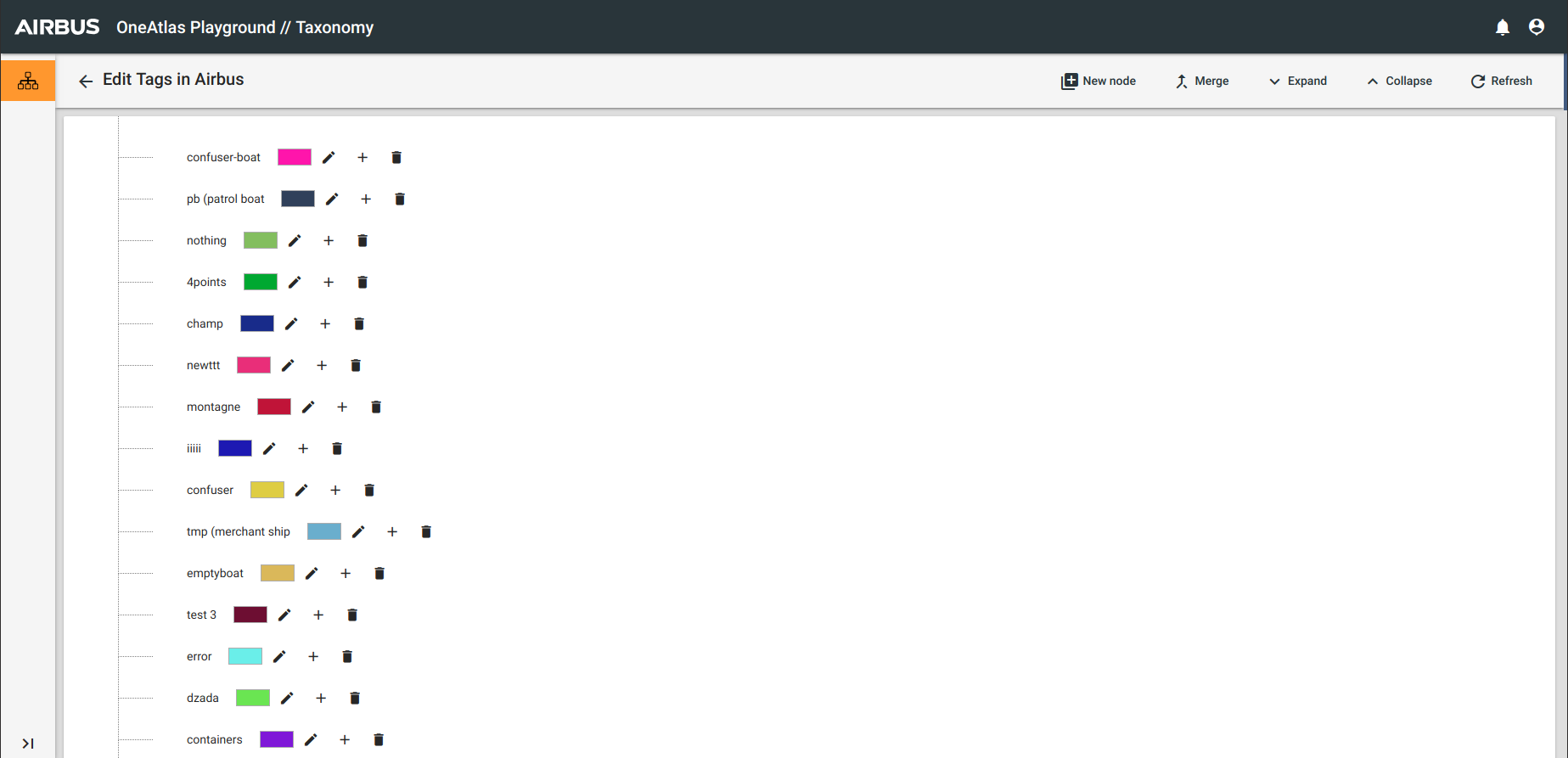
To Add New Node : click on the button and go to the end of the list to create a node.

To Edit a node : click on the pencil next to the node to modify his name or his color
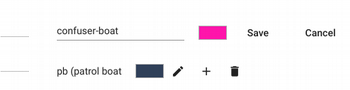
To Delete a node : click on the delete button next to the node. That will delete this tag for all of associated records.
 Consequence : a record could exist without tag, this record has a particularly style :

To add a "son" tag to your node, click on " + " button

To merge two nodes : That will merge the tags of the two nodes for all of the records of the project.