Import
This section enables you to do an import in the Intelligence Playground. You can create different import type : Poi Collection, Pois in an existing collection, zones and their optional record(s) or records in an existing zone. To do new import click on "New import" button :
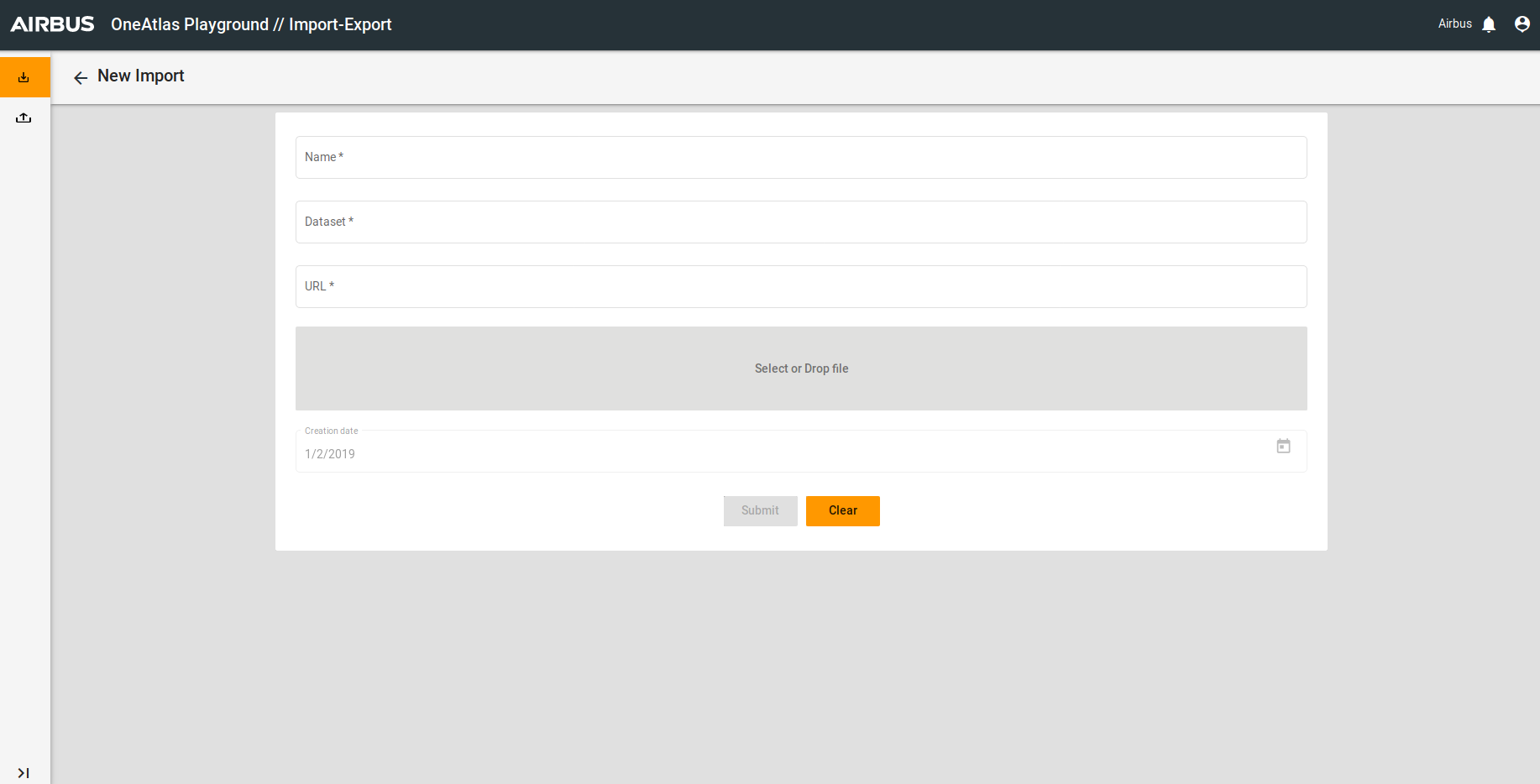
You have to :
- You can see a default import name but you can change it
- Select an existing dataset
- Enter an URL OR Select a file. If you want to drop the selected file you can click on :

- Click on "Submit"
Export
This section enables you to export data. To create an export you have to click on New Export :
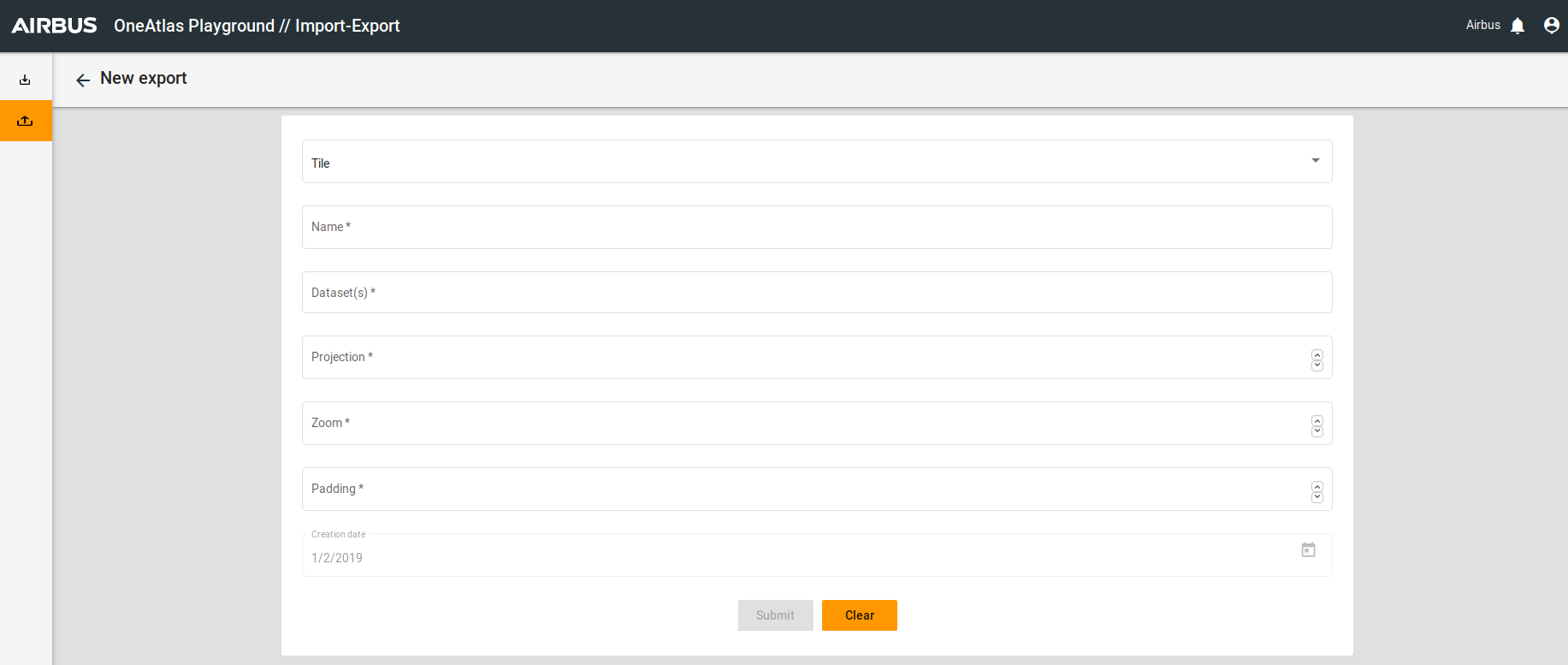
You have to :
- Choose the type of your export. Then you have to choose the corresponding features.
- Choose an Export Name
- Click on "Submit"
Then, you have to return on Export List :
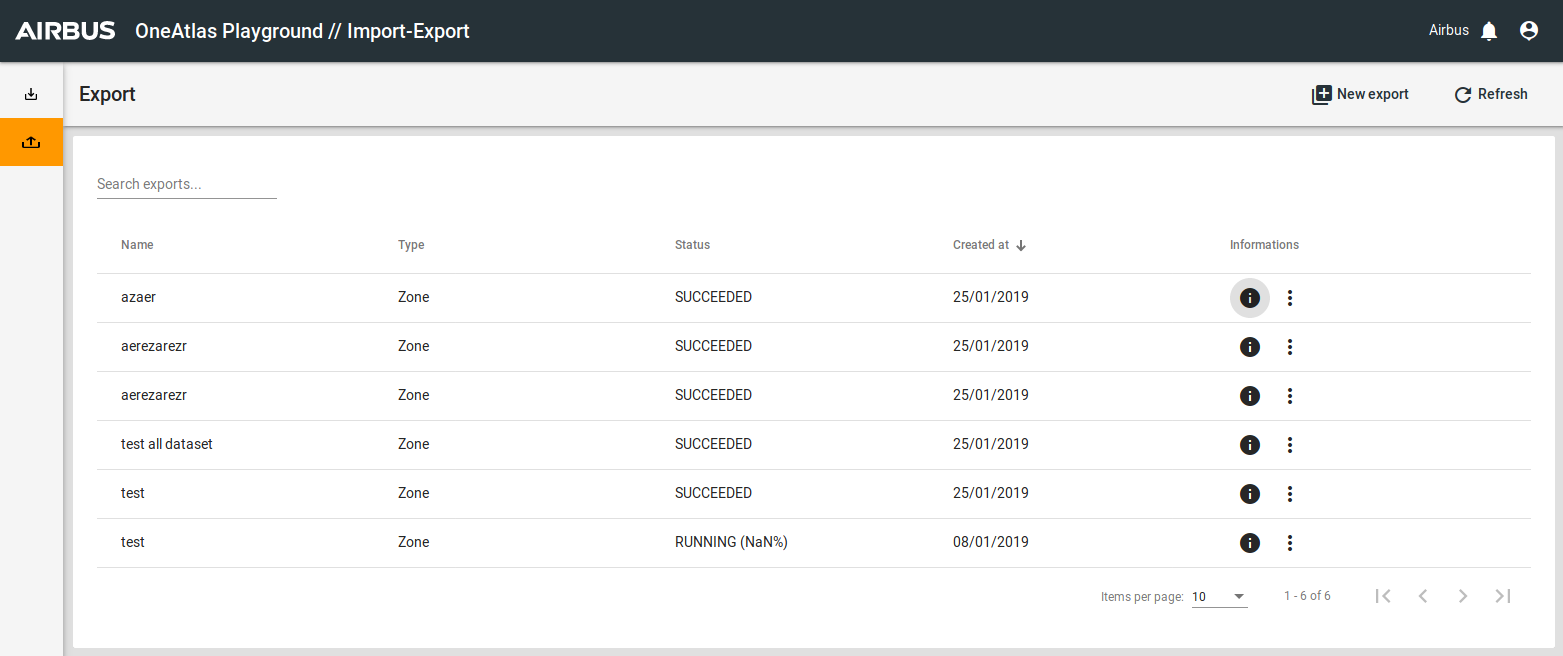
You can see the export list, with the Information column you can access to the main informations about an export and if you want to download this export you can click on  , and choose between :
- Copy GS url
- Copy HTTP url
With these URL you can access to the export (with a bucket).
Exported data for each type of exports
For more details you can see the global structure of any export individually in the section "Export Data Format".